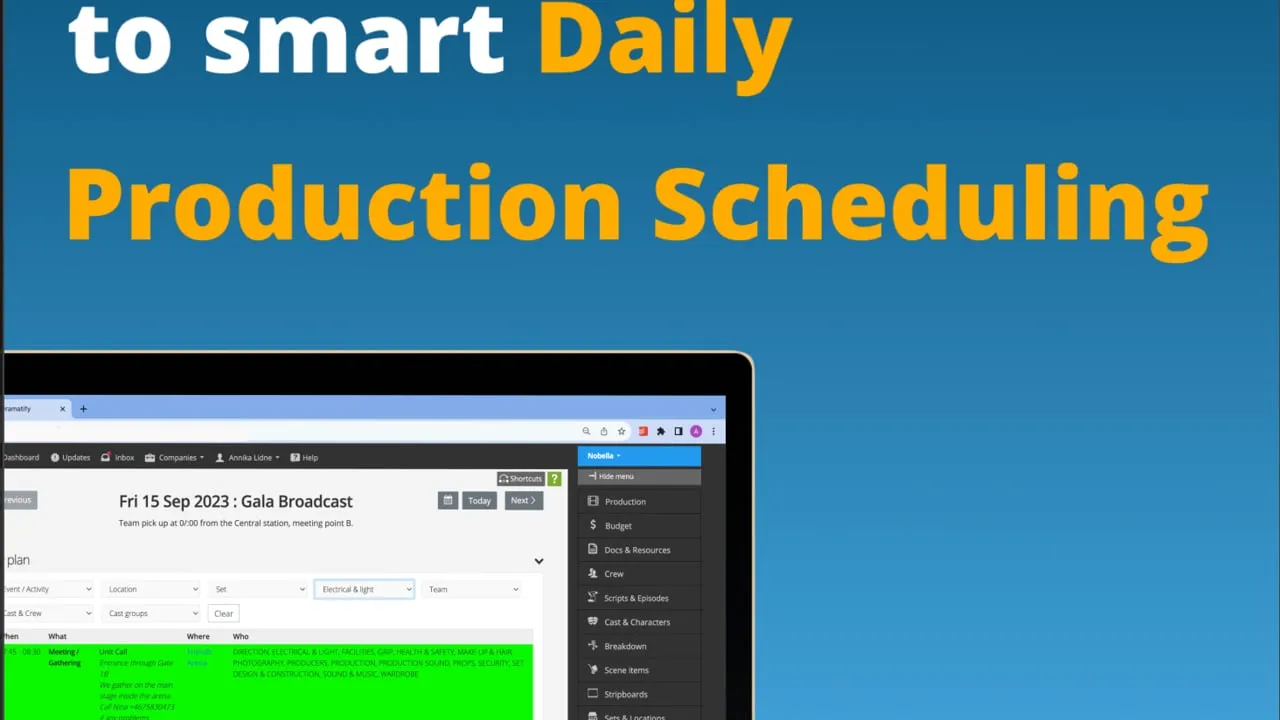
Why the Dramatify's Day Planner? Revolutionising Daily Production Scheduling
Recognizing these challenges, Dramatify has developed the Day Planner, a state-of-the-art tool designed specifically to streamline daily production scheduling. With this tool:
- Precision & Real-time Updates: Gone are the days of outdated information. With the Day Planner, your crew and cast can access real-time information, ensuring everyone is in sync and minimising potential mishaps and communication gaps.
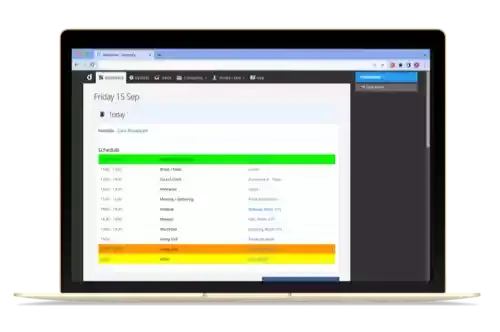
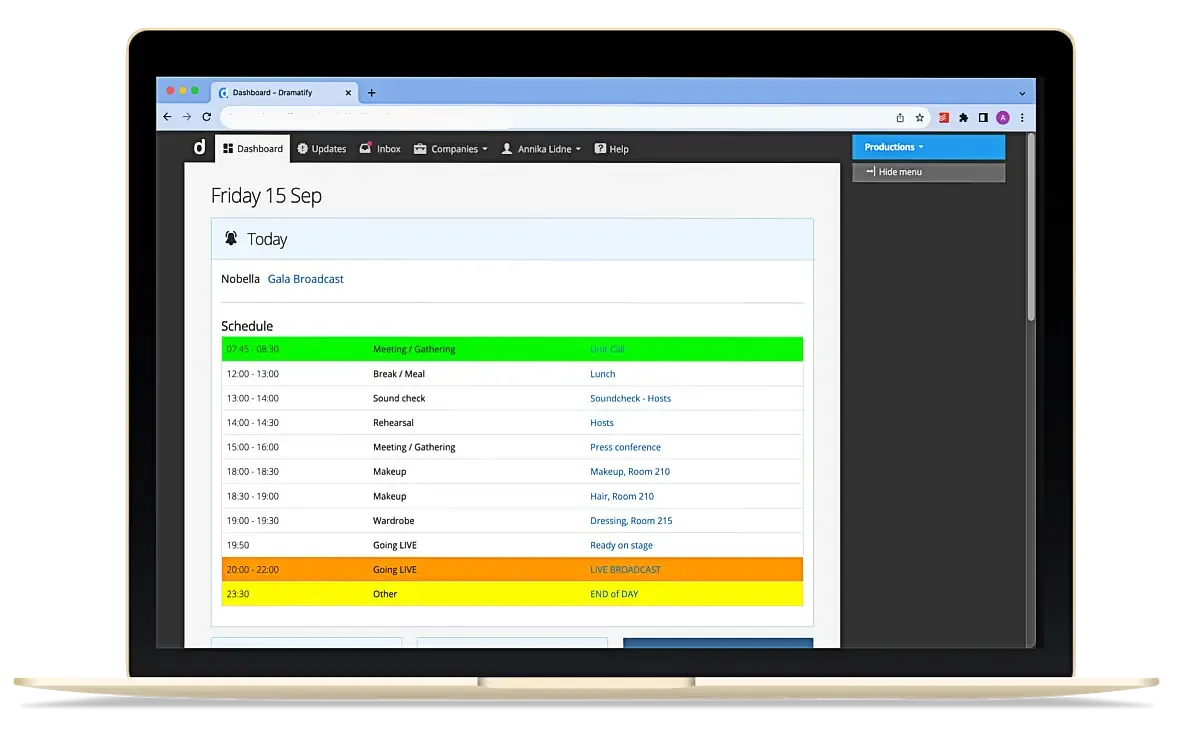
- Automated Personalised Schedules: Dramatify automatically creates a daily personalised cross-production schedule from published schedules and call sheets for each and every crew and cast member, ensuring they know their schedules and responsibilities at a glance. The personal schedule is the first they see after logging in on their smartphone, tablet or computer.
- Integrated Efficiency: Integrates seamlessly with Dramatify's expansive range of features. Everything you've previously entered into the system, from crew and cast listings, locations and sets to scene numbers, can be effortlessly incorporated into your planning. No need to type, re-enter or duplicate efforts.
- Tailored Planning – Day-to-Day or Long-Term: Whether you're organizing for the day or setting plans for the month, the Day Planner and the accompanying Day List accommodate your project's timeline.
The Daily Scheduling Process Simplified
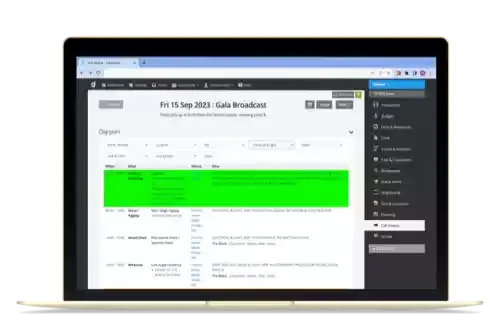
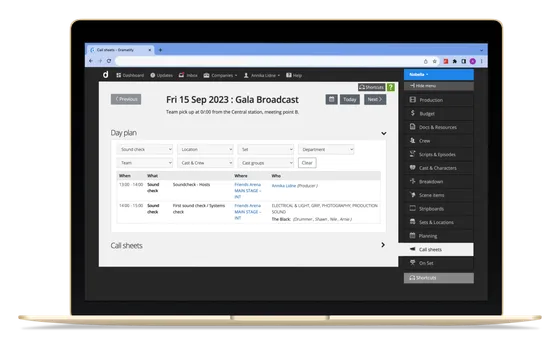
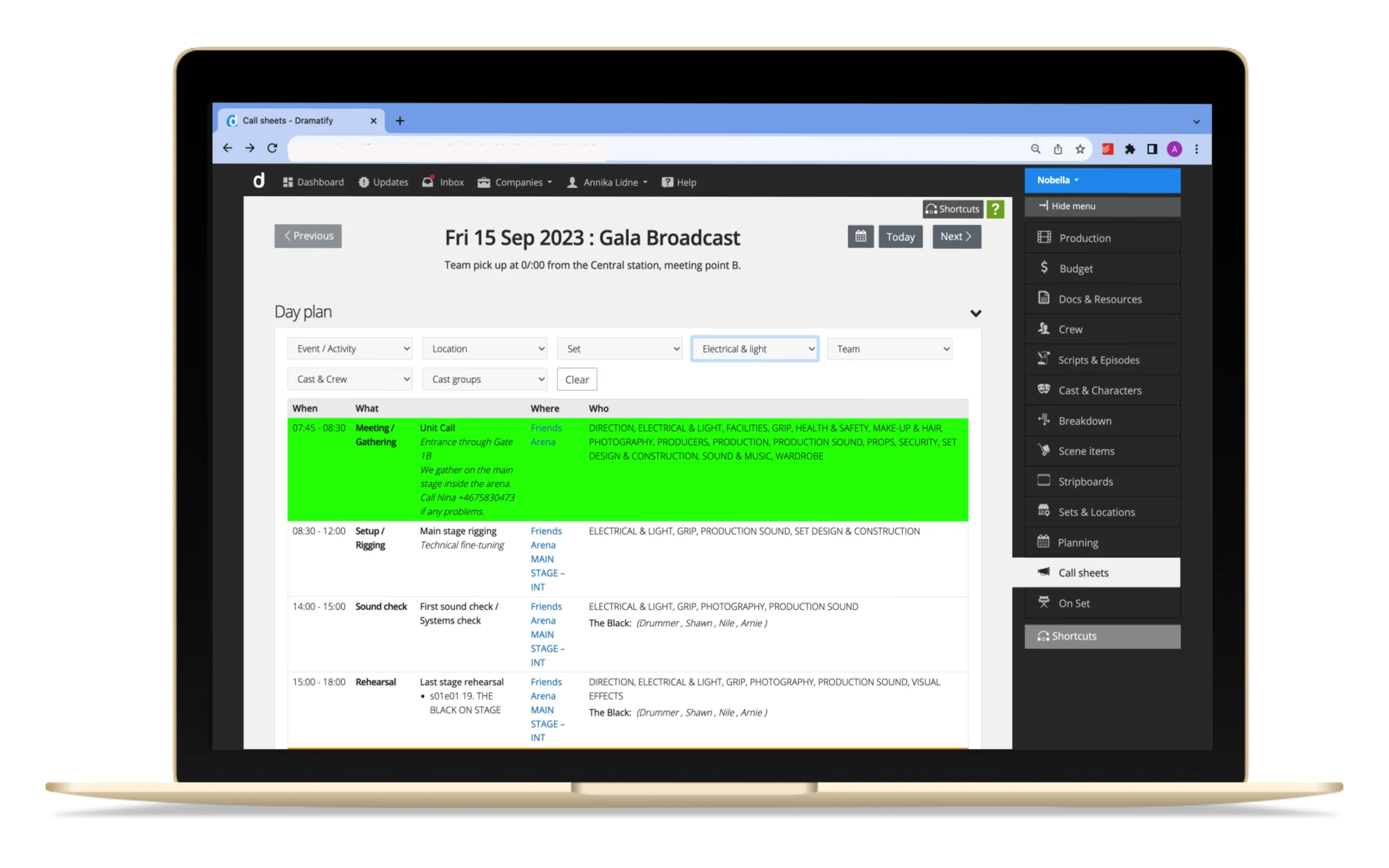
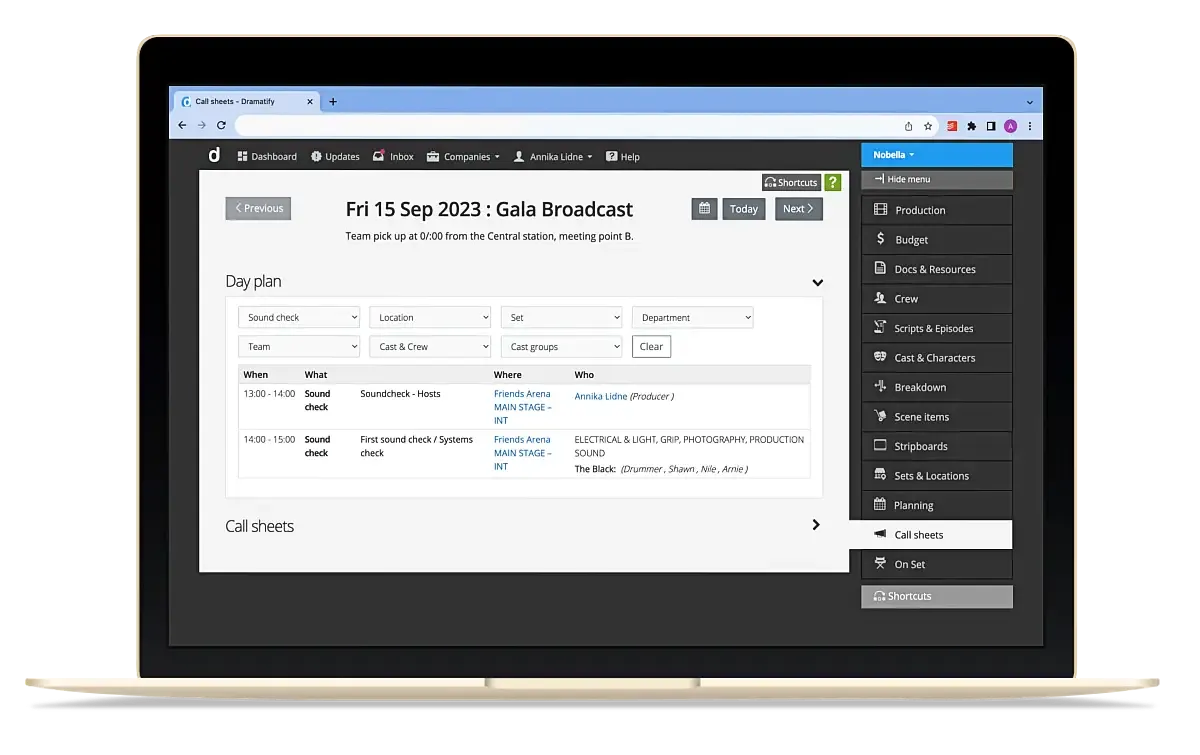
Creating a daily event is a breeze. Navigate to the Day list or Calendar, select your desired day, and start adding events. Depending on the nature of the event, relevant fields unlock to offer more specific inputs. This simplifies tasks such as adding scene numbers for rehearsals and shootings or selecting locations, crew and cast.
Additionally, with features like highlighting colours and adding events to the production calendar, prioritizing events becomes straightforward, allowing for easy identification.
We have also added new associated features to make the scheduling process even faster:
- New Location Types: Facilities, Hotels & Accommodations, and Transport Hubs, complete with descriptions, images, Google map support, and optional permit uploads.
- Cast Groups: Schedule ensemble casts or groups swiftly. Rather than adding each member individually, group them. Each group member's name is automatically listed in the planner, ensuring no one is overlooked.
Use with or without accompanying call sheets
While the Day Planner streamlines daily production scheduling, its synergy with call sheet publication is a testament to its design. The daily schedule section on the Dashboard filters the call sheet information ensuring the right data reaches the right people without overwhelming them with unnecessary details.
The Day planner can be used as a stand-alone scheduling option or with a call sheet on all days or only on specific days that fit your specific production. The Daily schedule and each call sheet for the day have separate publishing controls.