Multi-Camera Rundowns for Live & Studio

Dramatify's multi-camera rundown software powers fast, seamless planning for live or studio productions—no installs, no downloads. AI Assistant included.

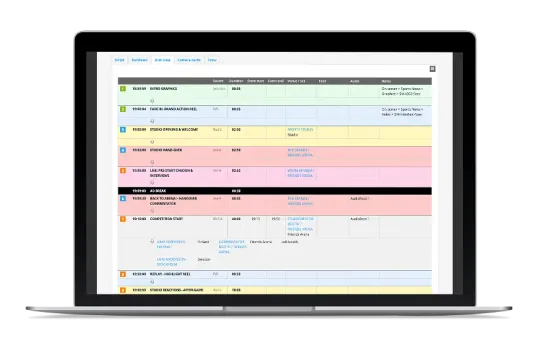
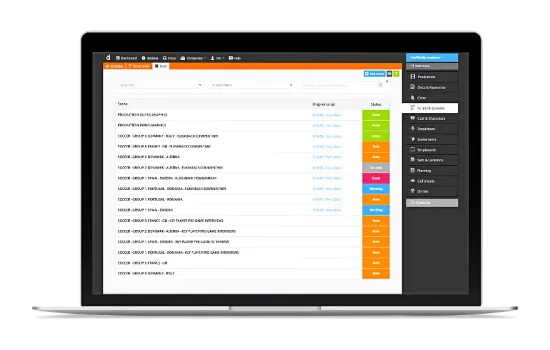
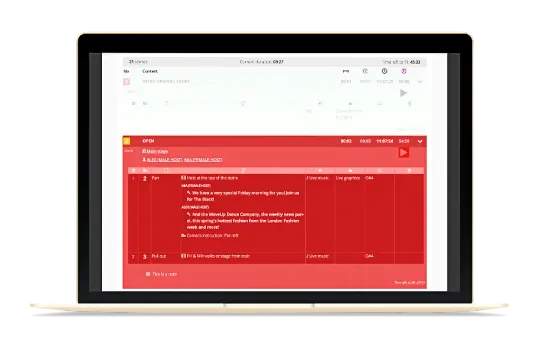
Rundown grid view for planning live and sports broadcasts and live streams including custom feeds and commentators.

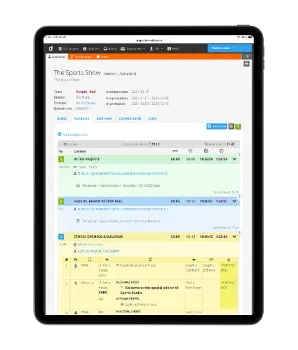
Default rundown

Faster Rundowns. Smarter Workflows. Happier Teams.

Dramatify offers a unique collaborative rundown software for multi-camera live and studio shows—developed with TV directors, coordinators and writers. Integrates with AI, graphics, vision mixers, cue cards, teleprompters and archiving solutions.

No more spreadsheets!

Many live and studio productions still rely on spreadsheets for rundown planning. Most digital tools cater primarily to drama or news formats, leaving entertainment, music, galas, talk shows and sports underserved.

That's where Dramatify comes in—our rundown suite is purpose-built for multi-camera live and studio productions to streamline workflows, minimise errors, and give teams the clarity and control they need to stay on time and on point—wherever they need it be: Dramatify works in the studio, in stadiums and in the field.

AI-Powered Rundowns for Faster, Smarter Production
AI Rundowns for TV Pros – Dramatify

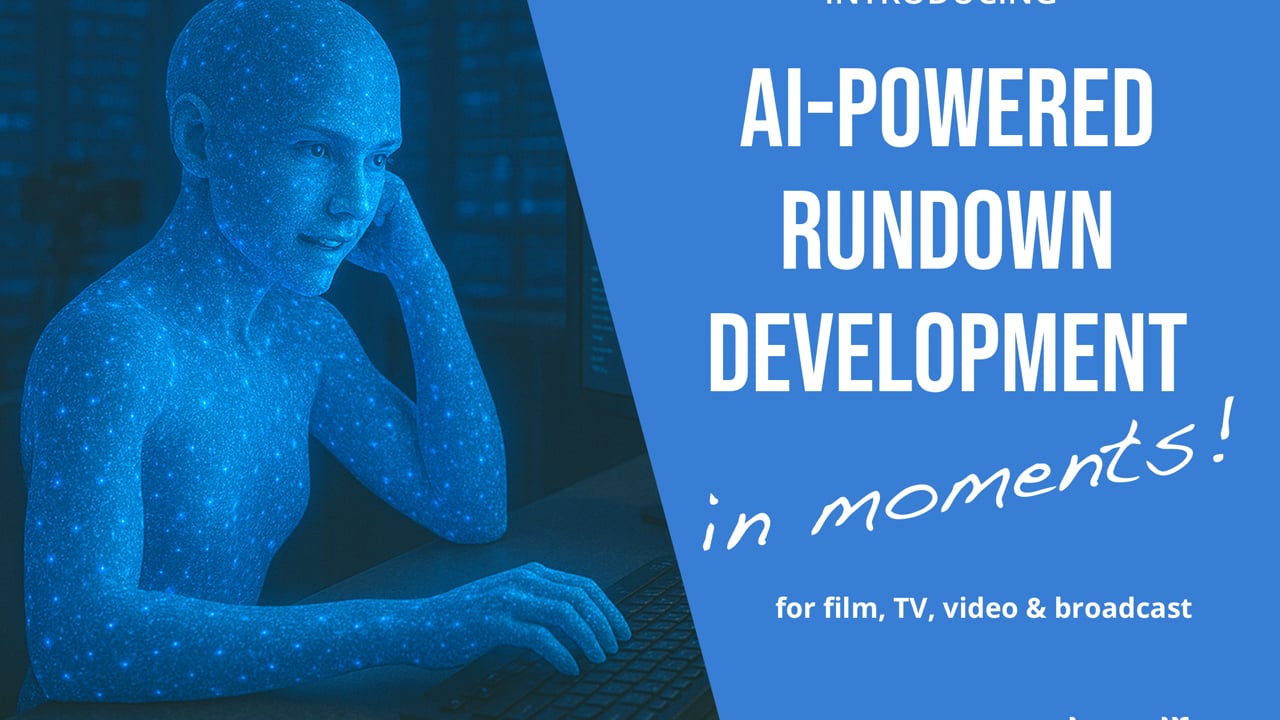
Dramatify's AI Assistant jumpstarts your workflow—just add show duration, commercial breaks and key segments, and watch a full rundown outline appear instantly.

Scriptwriting becomes smoother, faster and multilingual, with built-in suggestions for intros, dialogue, facts and more—available in 59 languages.

Less admin, more storytelling—right from the start!
Episode management in Dramatify

User-Friendly Episode Management

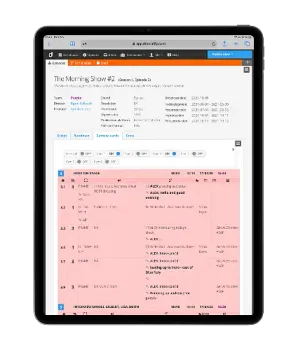
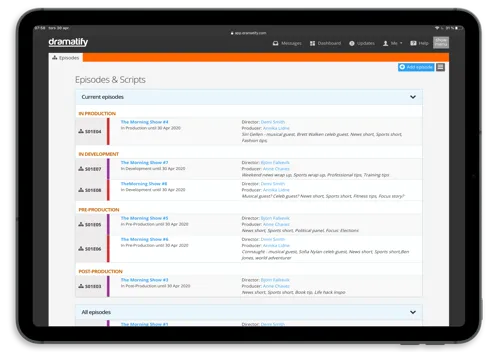
Dramatify's series and episode functionality keeps your team focused on current production schedules and tasks. Episode functionality includes smart sorting, technical detail information, and AI-assisted episode development.

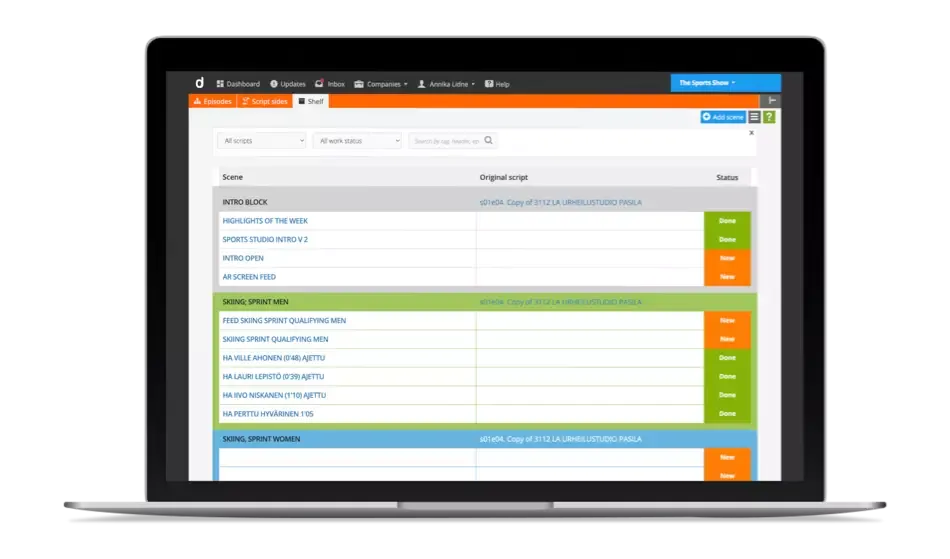
The Dramatify Story Shelf for planning and storage

Story Shelf – Flexible Content Management

Easily plan, store, and move scenes or blocks between rundowns and episodes using Dramatify's Story Shelf.

Ideal for large-scale productions, it allows you to pre-produce content, keep drafts accessible, and adapt to changing schedules without losing creative momentum.

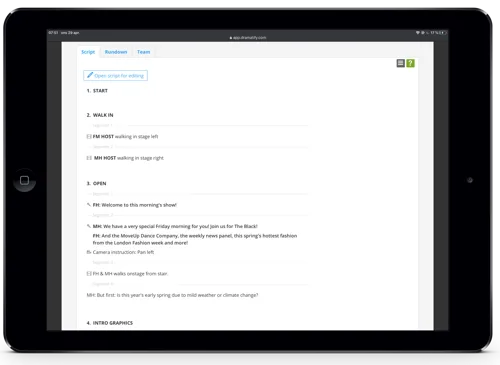
Distraction-free scriptwriter view in Dramatify

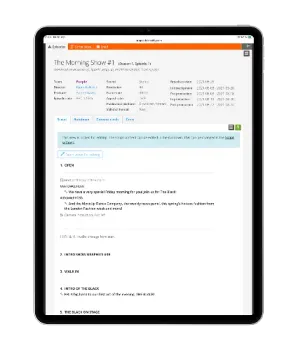
Script View – Distraction-free writing

for scriptwriters, hosts & journalists

Write cleanly in a focused word processor-link interface linked to the rundown. Tag roles, rehearse with cue cards, and lock to prevent overwrites.

New! Create with AI!

Get Dramatify's AI Assistant to write your content! From intros and outros to monologues, dialogues, and news scripts, the AI Assistant accelerates content creation, helps brainstorm ideas, refines your writing, and enhances your creative flow.

Grid view for fast rundown planning including feeds and commentators

Grid View for Fast Content Planning

Plan segments fast with fast-add for feeds, audio, venues, and timing and commentators. Auto-syncs with the script view, technical rundown view and camera cards.

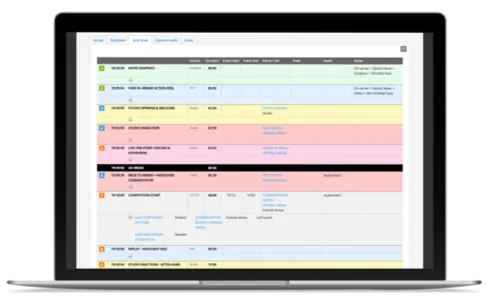
Rundown view – a production powerhouse for live and studio shows

Rundown view – a Production Powerhouse

Dramatify's technical rundowns are perhaps the easiest to work with on the market, from outlining the show to live broadcast, featuring easy customisations, timesaving functionality, personal settings and smart integrations. And, of course, our brilliant AI Assistant!

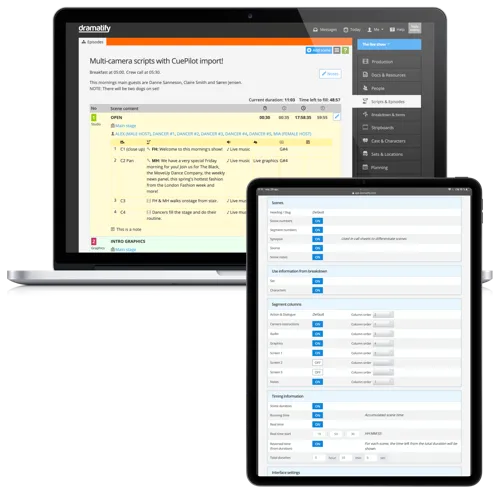
Customise Layouts

Easy show/hide of content inputs and order for durations, audio, camera instructions, graphics, background screens, notes, etc. Tweak layouts anytime.

Working with the Rundown

Content Tagging & Filtering Tag content for automatic formatting and user-specific filtering. Label items as Action, Dialogue, Camera, Lyrics, Insert or Presenter Notes—each with optional speaker attribution and automatic filtering for cue cards and teleprompters.

Smart Tools Speed up your workflow with one-click duplication, drag-and-drop reordering, and instant shot splitting. Highlight critical items with colour, create scene alternatives for uncertain outcomes, and auto-link sets and participants. Built-in timing logic adjusts automatically, with overflow warnings for breaks. Exclude scenes from the runtime on the fly, and add visual notes or private reminders just for you.

Individualised Custom Views

Each team member can customise their layout—font size, visibility, and print settings.

Timer for Pre-Recorded Content

Log and save actual times for pre-recorded segments during rehearsals. Multiple takes can be timed and labelled. Updates the segment duration instantly.

Rehearsal Mode for Full Run-Through

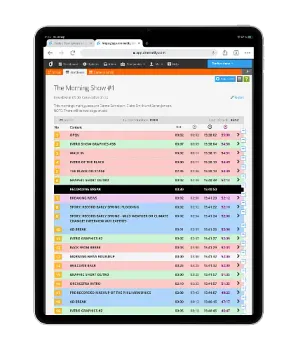
Dramatify's "Rehearsal mode" keeps your crew updated with the playout in the rundown during rehearsals. It automatically adjusts timings and issues overflow warnings during over- or underrun segments, similar to the Live Mode below.

The difference between Rehearsal Mode and Live Mode is that Rehearsal Mode allows users to pause, reset, stop, and save if necessary.

Live Mode with Redlining for a Paperless Workflow

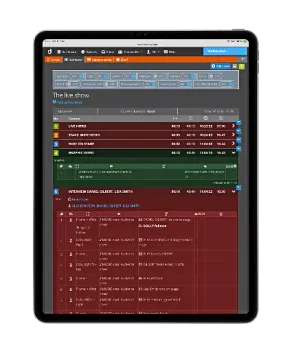
Dramatify's "Live mode" keeps your crew updated with the playout, automatically adjusting timings and overflow warnings during over- or underrun segments.

Rundown Access for Production Staff

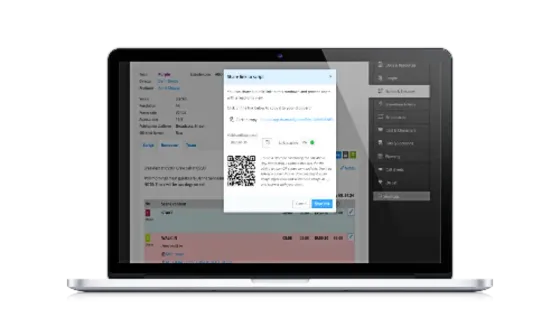
Share rundowns via QR code or link—no login needed. Great for studio staff, camera operators or translators who only need to view it temporarily! The link can be set to automatically shut down at a set date.

"Dark Mode" for Paperless Production

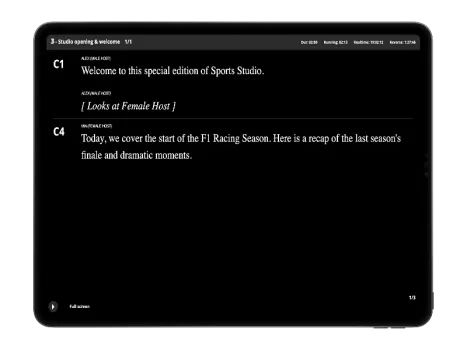
A dark theme that keeps screens readable without lighting up the studio.

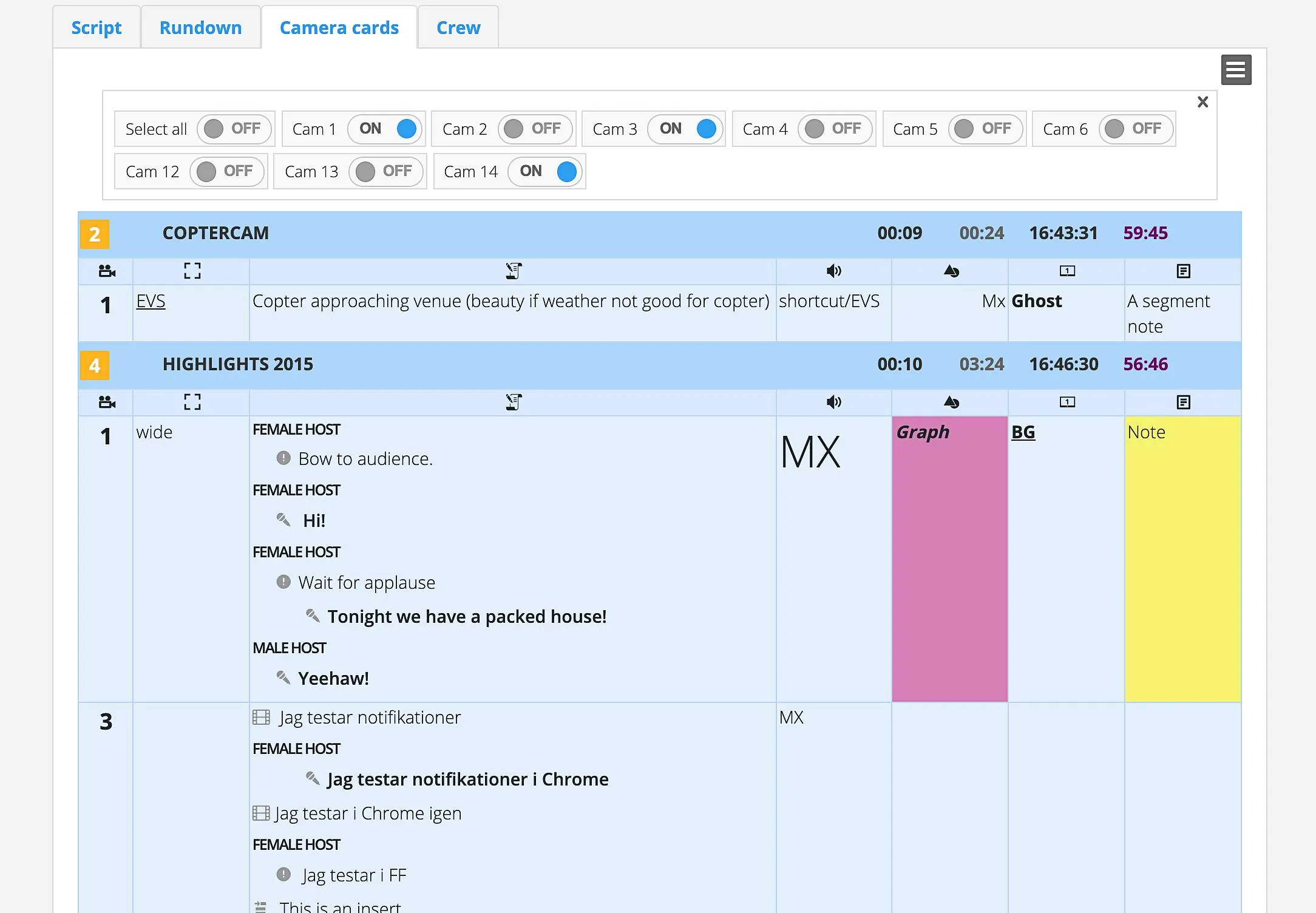
Camera cards for live and studio productions in Dramatify

Camera Cards - Live!

Camera cards work for both logged-in users and shared links. They can naturally be printed as well.

Filter by camera numbers, adjust displayed information and change the text size for each operator.

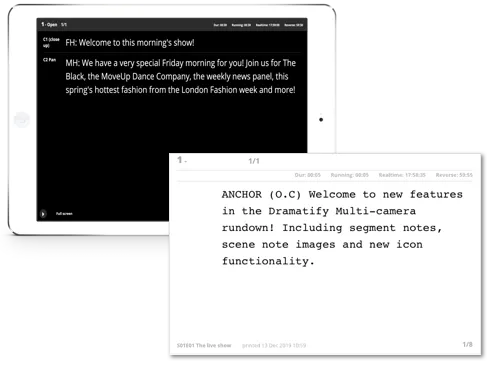
Integrated digital and print cue cards in Dramatify

Integrated Cue Cards

For print and digital devices

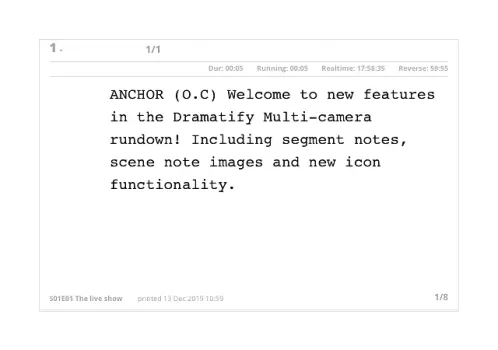
Update cue cards live—direct from the script or rundown views! Go digital with a tablet or phone, or print directly to card stock.

Integrations extending functionality

Extend the functionality with graphics software, vision mixers and archiving with smart integrations!

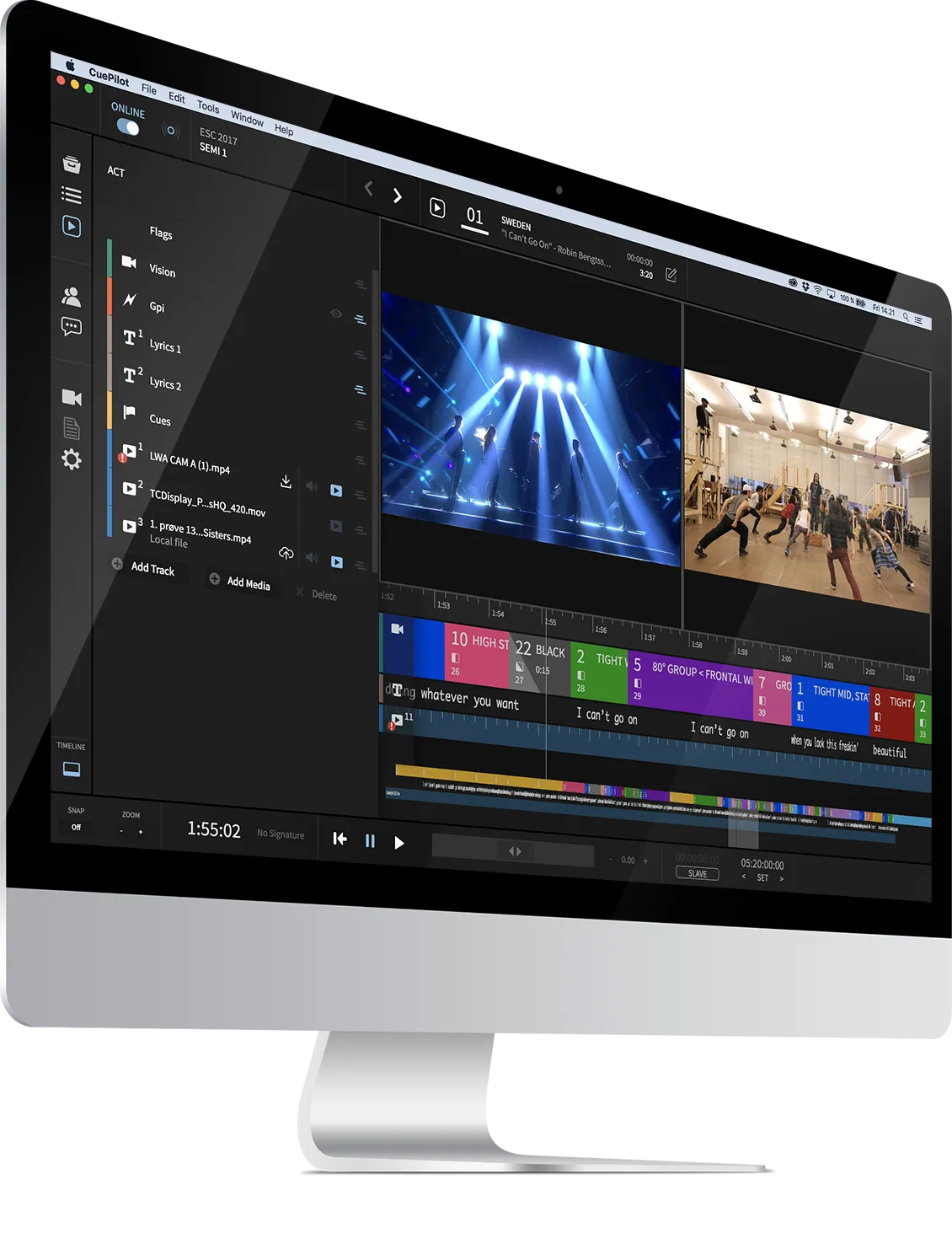
CuePilot vision mixer integration with Dramatify

CuePilot

Vision mixer for music and galas

Dramatify integrates with CuePilot, the live vision mixer behind shows like Eurovision. CuePilot lets directors pre-plan and automate camera cuts for music-video-style precision. The integration streamlines live show workflow, enabling faster, smarter production with stunning visual results.

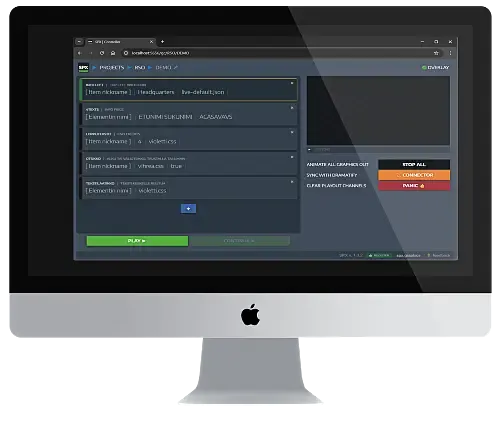
SPX Graphics integration for live graphics workflow

SPX Graphics

Streamline Your Live Graphics Workflow

Dramatify integrates with SPX Graphics for smooth, end-to-end live graphics. Send templates from SPX to Dramatify, write in your Dramatify rundown, and fetch to SPX for broadcast—streamlining your on-air graphics workflow.

Teleprompter and MOS export from Dramatify rundowns

MOS / AutoScript / AutoCue

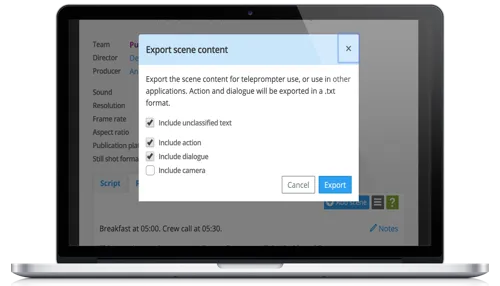
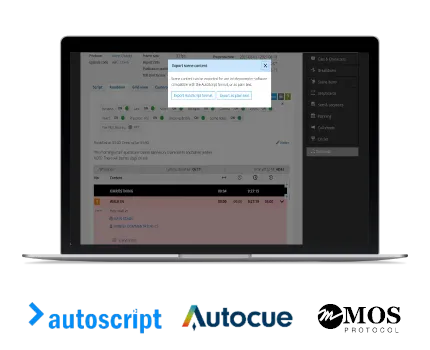
Export to teleprompters, translation, subtitling & closed-captioning

Quickly export scene content in three ways:

  • Standard .txt file for teleprompters, translation, subtitles, or captions
  • Download teleprompter file for MOS/AutoScript/AutoCue
  • Direct teleprompter integration with auto-fetched MOS/AutoScript/AutoCue files for live updates (developer setup required – we'll help!)
Metadata and archiving integration for Dramatify productions

Metadata & Archiving

Integrate with archiving and asset mgt solutions

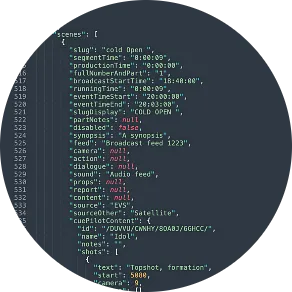
Easily export production metadata as JSON files for use in archiving and asset management systems like Avid MediaCentral.

  • Manually download JSON files per production for smaller needs
  • Enable direct integration with auto-fetch from Dramatify's servers for streamlined workflows (requires some development—we're here to help!)

Try Dramatify Today!

30 day free trial. No credit card required.