Location pages with all critical information in one place
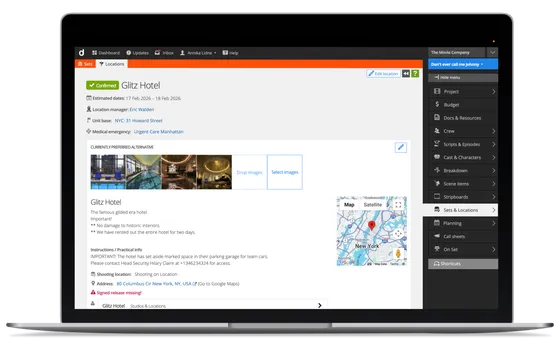
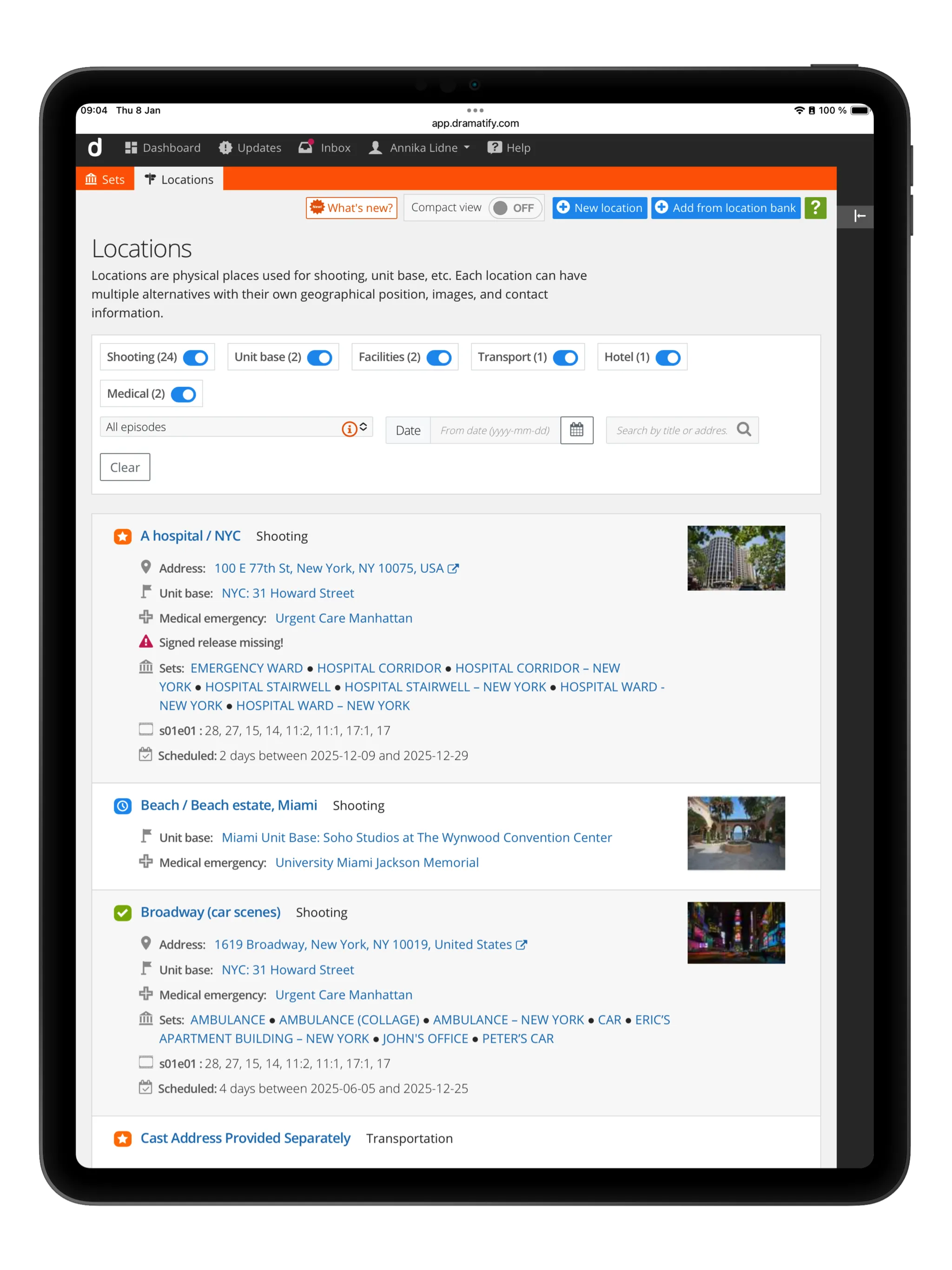
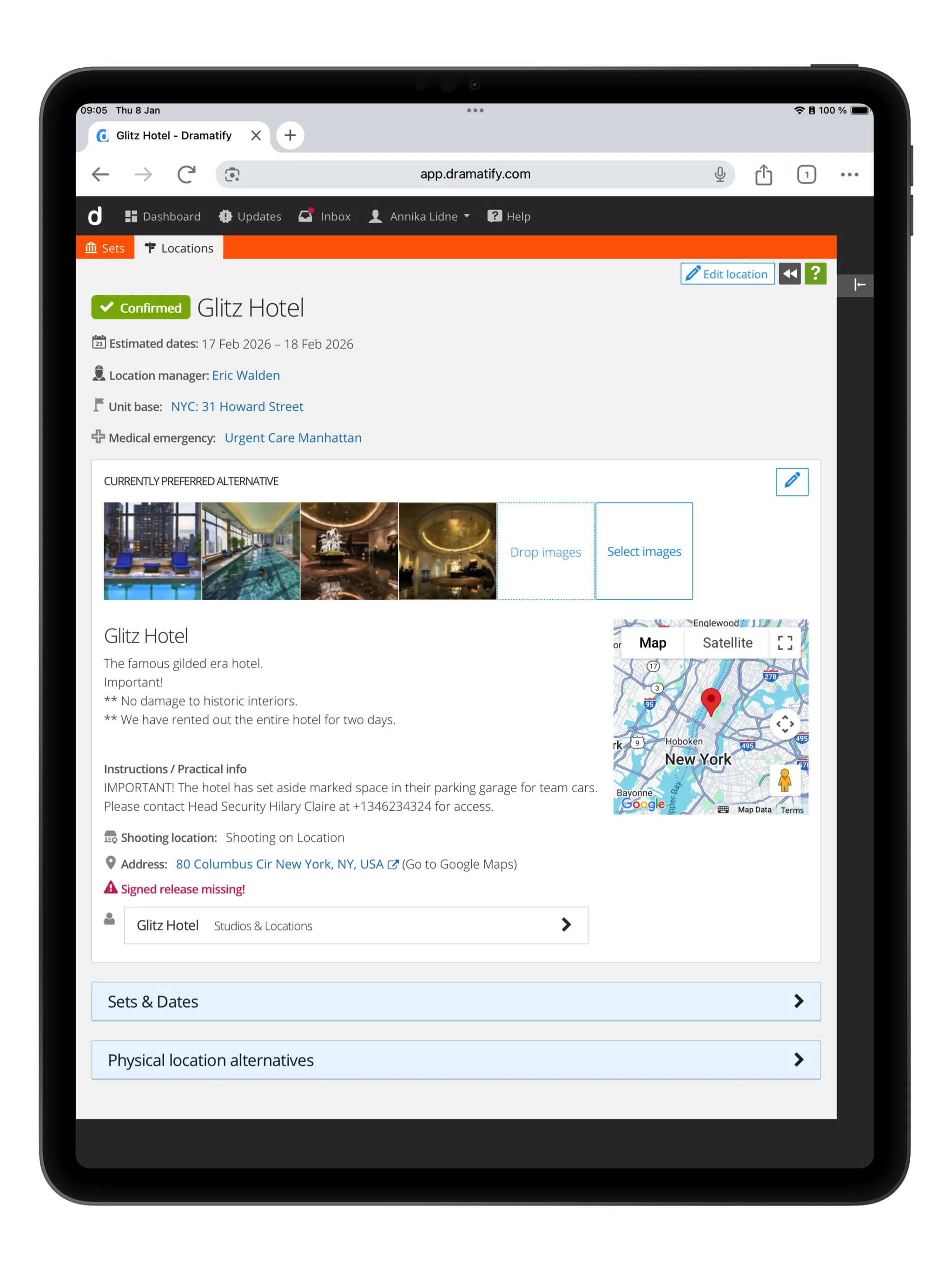
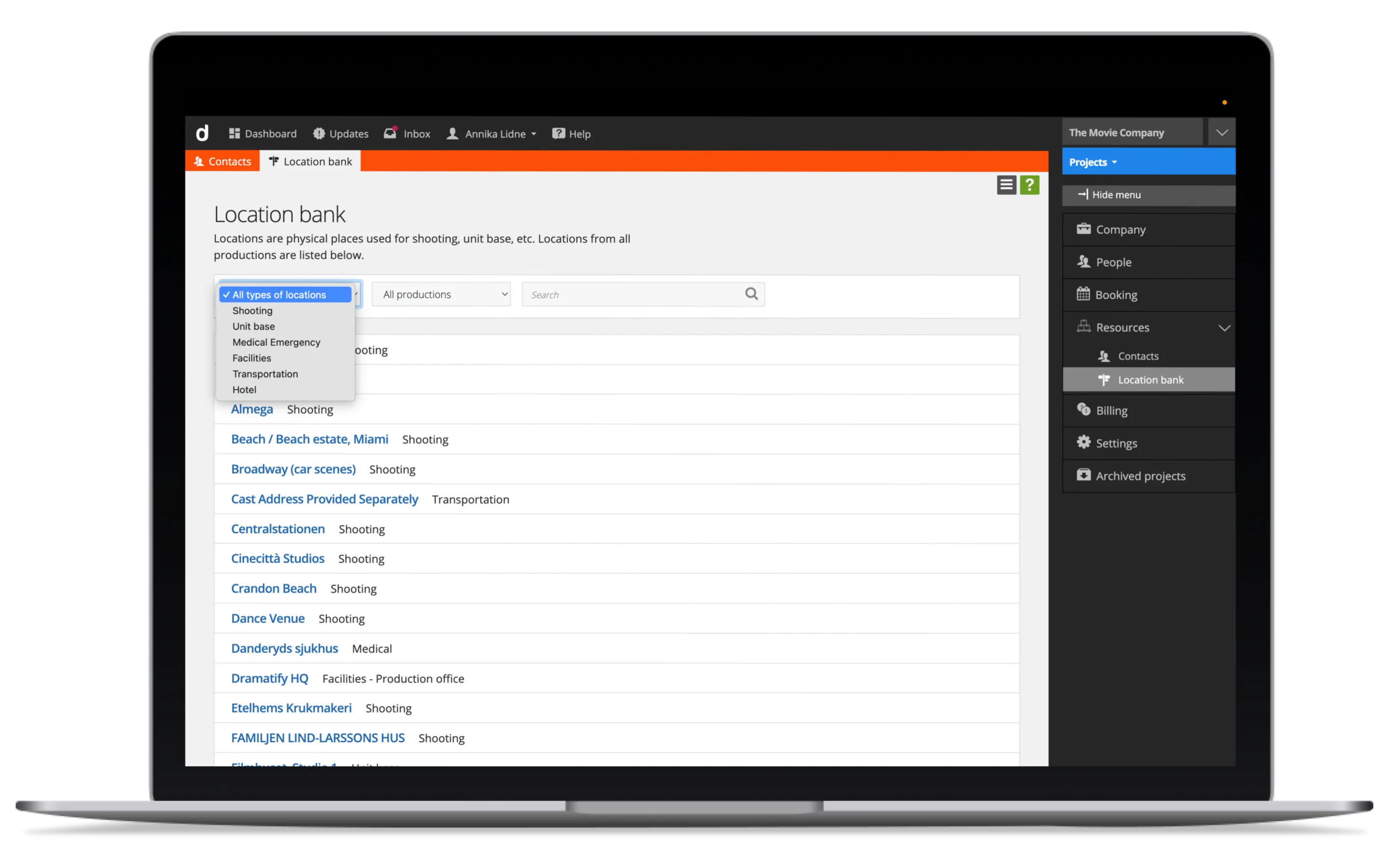
Each location has a dedicated page that brings together everything the production needs to know.
- Addresses, GPS coordinates and descriptions
- Linked scenes and shoot dates
- Status indicators showing readiness
- Permits and releases
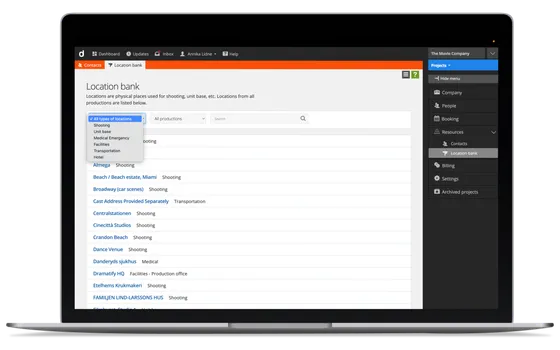
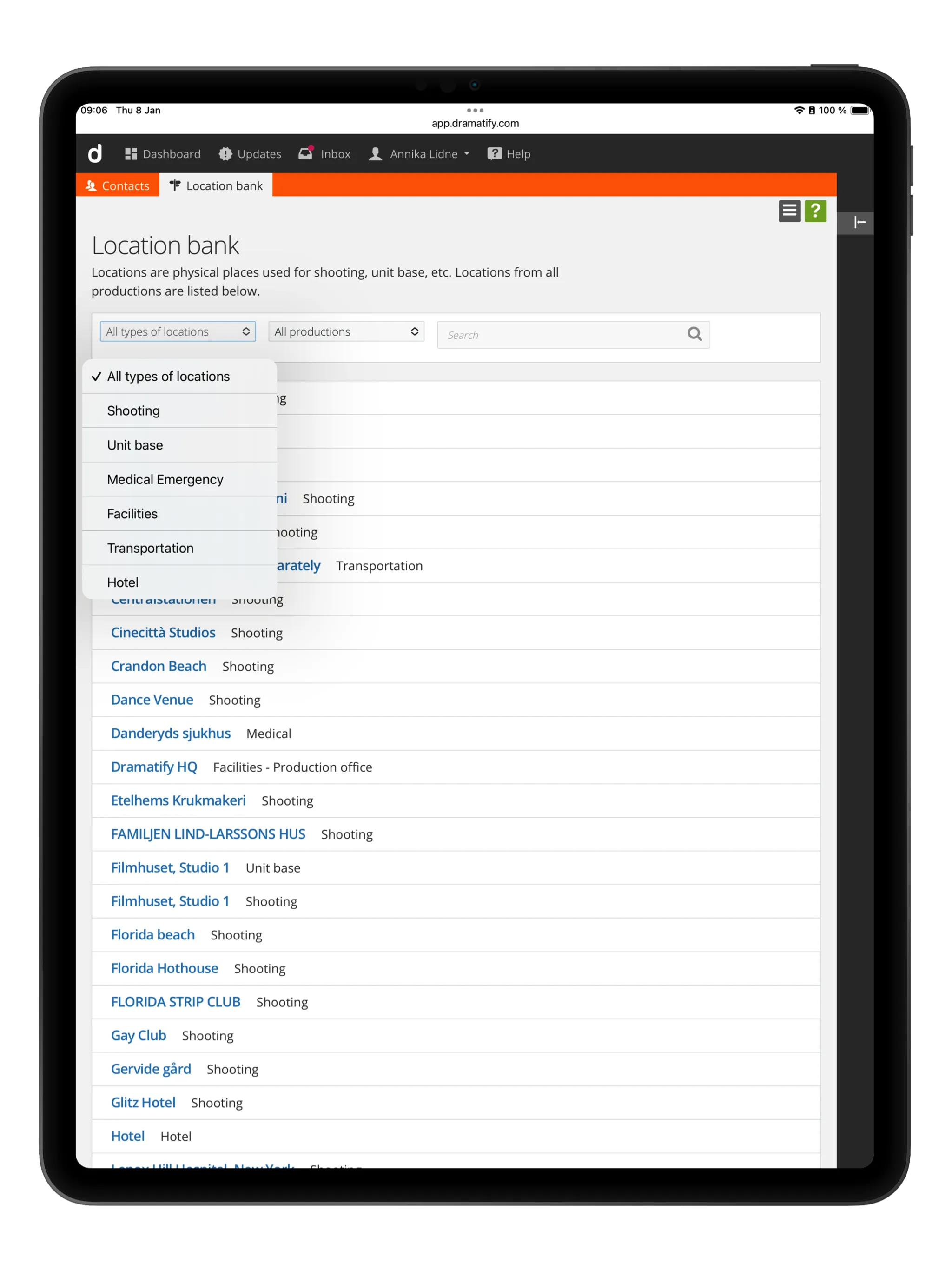
Because locations are deeply integrated into Dramatify, this information appears consistently across schedules, call sheets and reports without manual duplication. Shooting locations also include unlimited alternative locations. Update your chosen primary location with a click, and Dramatify updates all linked location data in real-time!
Location alternatives: Add first, select later.
Productions often evaluate multiple venues, studios or shooting locations before making a final decision. Dramatify allows teams to create any number of alternative locations for shooting locations under a single entry, keeping all options structured and easy to compare.
Each alternative can include the same level of detail as a standard location. One option is set as the primary location, but this can be changed at any time. When the primary location is changed, the update is reflected in real time across all integrated features, including schedules, call sheets and reports.
Image galleries for clear collaboration
Every location (and location alternative) includes an image gallery that works as a shared visual reference. Add scout photos, reference images or images to make the location or venue easier for the team to navigate. This makes decisions clearer and avoids fragmented conversations across email and chat tools.
Maps, directions and production logistics
Dramatify includes interactive maps directly on each location. View standard maps, satellite imagery or Street View, and get directions from your current position. Travel times and routes stay accessible whether teams are planning in the office or working on location. You can even plan the exact point for a helicopter landing from the comfort of your office!
Weather and medical emergency locations in call sheets
Weather data is automatically linked to each shooting location. A rolling ten-day forecast is included in call sheets and updated regularly, covering temperature, wind and daylight times. Manual weather notes can be added when productions require specialised information.
Optional medical emergency locations are stored alongside shooting locations, ensuring nearest hospitals or emergency facilities are always available to the production team.
Permits, releases and documentation where they belong
Location-related permits and releases are attached directly to the locations. Upload permits or releases, and mark locations that still require documentation. Releases (attached or missing) are automatically tracked in the Daily Production Report. This reduces the risk of missing paperwork and keeps responsibility clear throughout pre-production.
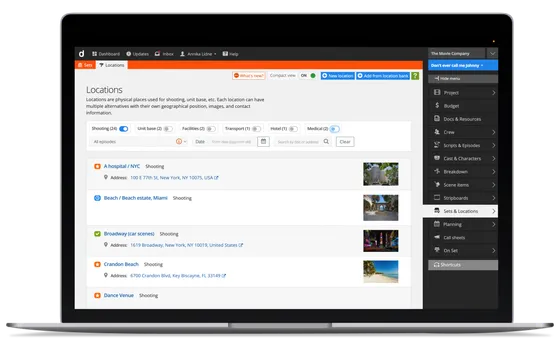
Clear status indicators across your location list
Locations change quickly during planning. With simple, colour-coded status icons, teams can instantly see which locations are new, pending, require attention, or confirmed. One update is reflected everywhere the location appears.
Connected to scheduling, call sheets and reports
Locations in Dramatify are not static records. They are active parts of the production workflow. Locations feed directly into stripboard reports, schedules, call sheets and custom reports, ensuring that updates propagate across the production without manual rework.