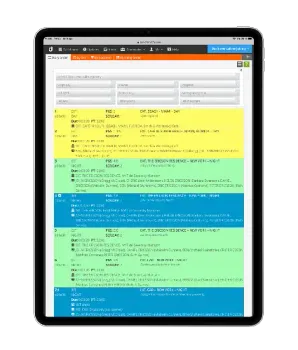
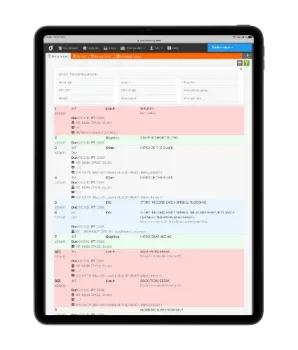
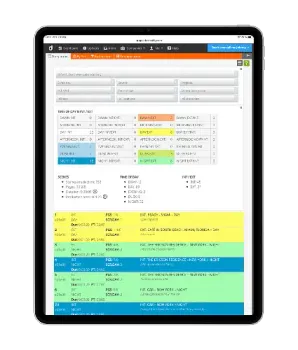
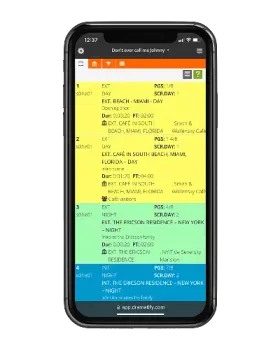
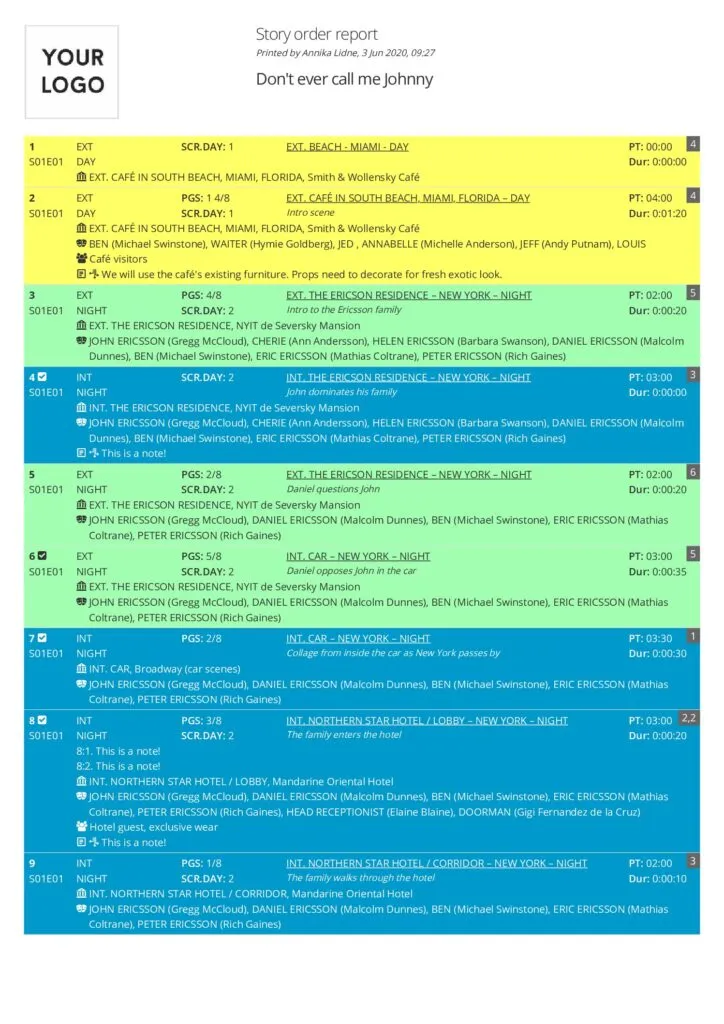
Dramatify offers four read-only stripboard reports: Story Order, By Set, By Location and the Running Order. Each is customised to show the most useful information for that specific purpose but also contains similar features such as easy formatting, filtering and statistics.
The Story Order stripboard is not only a scene list or a traditional stripboard but a funt of information coming from your scripts, the breakdown and scheduling – always up to date! Naturally, you have basic information like the episode number, scene, characters, sets, locations, pages, script days, production days and scene parts from split scenes. You also can display scene items per scene per category as well as both traditional breakdown notes, and notes from the breakdown of cast, set design, wardrobe, makeup & hair, props and graphics
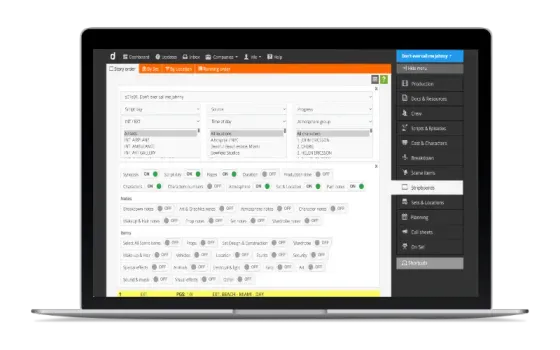
Filtering the story order
The scene list view is super customisable. You - and each member of your team with access - have a lot of different ways of filtering it, either by s a single filter or through a combination of filters as well as show/hide of various scene items and category notes.
Want to know the sets at a particular location? Want to know which scenes are unfinished with a certain character and actor? Want to quickly see all the scenes of a script day? All in a click. Everything to make things as fast and easy for you!
Story order with scene status
The story order is updated with scene status – finished or unfinished – as it is checked off in the call sheet during the production day. The status is clearly marked with a checkmark for finished scenes and a warning sign for unfinished scenes. You can also create reports to combine scene status with a character or location.