How to change the name of a folder in the Docs & Resource section?
Last updated:
Here is how to change the name of a folder in the Docs & Resource section.
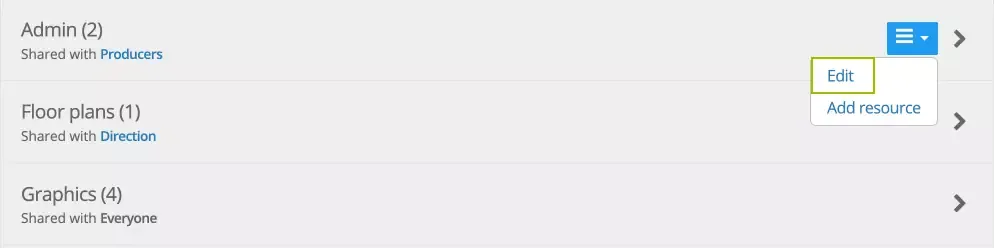
- Hover over the folder’s arrow on the left to show the edit menu.
- Select Edit.
- Change the folder’s name in the popup window.
- Save your changes.
Was this article helpful?
Thanks for your feedback!