How to quickly add a resource to an existing folder in the Docs & Resource section
Last updated:
- Click Docs & Resource in the sidebar menu.
- Find the folder and hover over the folder’s arrow to the left to reveal the edit menu.
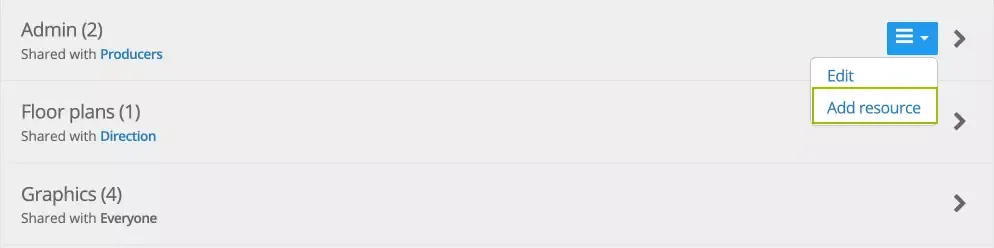
- Select Add resource.
- Add the file or link, provide a title, and, optionally, a description.
- Save your changes.
Was this article helpful?
Thanks for your feedback!