How can I move a resource to another folder in the Docs & Resource section?
Last updated:
Here is how you move a resource to another folder in the Docs & Resource section.
- Click the pen icon next to the resource title.

- In the folder dropdown, select the new folder or create a new one.
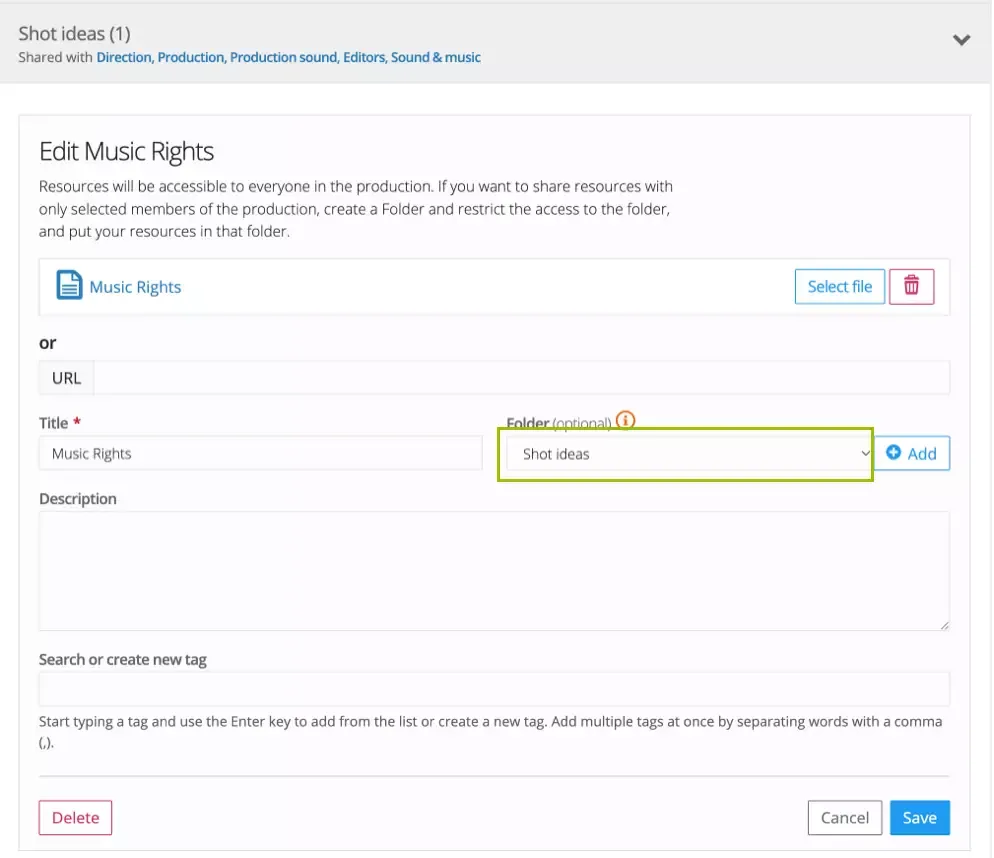
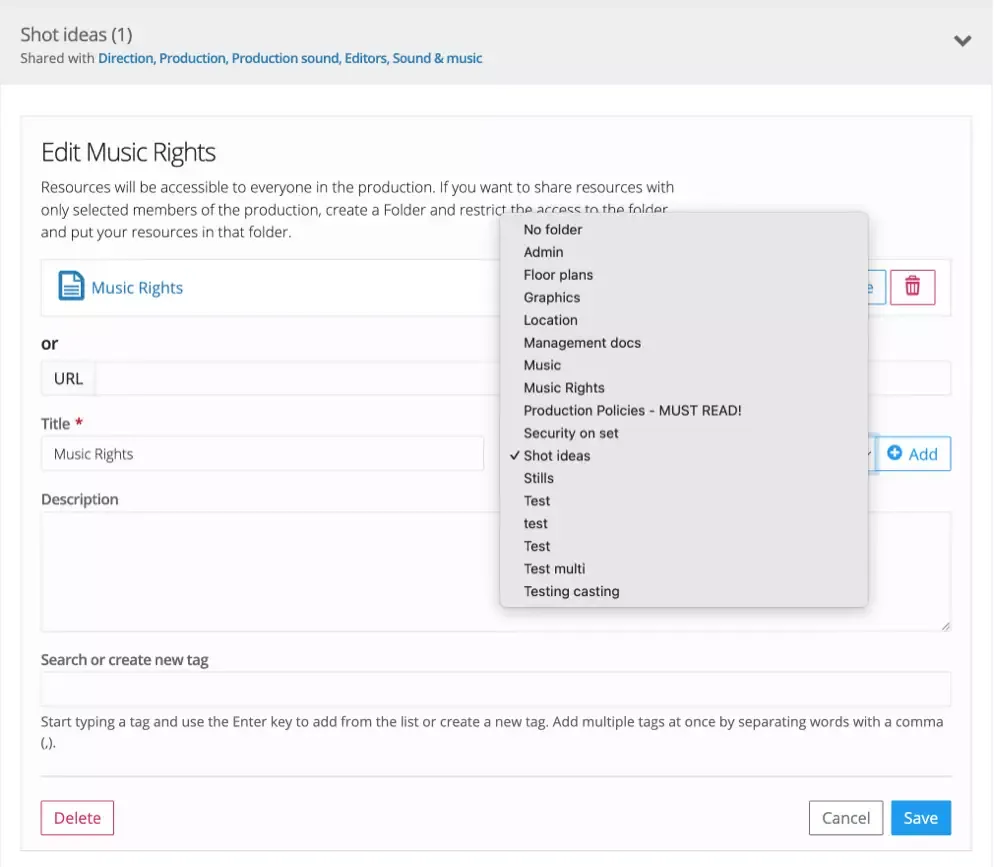
- Don’t forget to save the changes after moving the resource.
Was this article helpful?
Thanks for your feedback!