Who has access in the Docs & Resource section?
Last updated:
All invited team members can access the Docs & Resources section but only view the files, resources, and folders for which they have permission.
How can I modify the permissions for a folder in the Docs & Resource section?
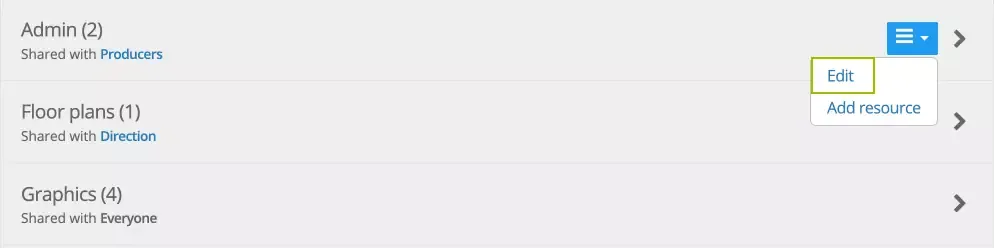
- Hover over the folder’s arrow to the left to access the edit menu.
- Select “Edit” to adjust the folder’s sharing settings.
- Choose which team members or departments should have access to the folder.
- Save your changes.
Who can delete a file, link, or folder in the Docs & Resource section?
Only the following individuals can delete a file, link, or folder:
- The person who initially uploaded or added the resource.
- Any user with Administrator access.
Was this article helpful?
Thanks for your feedback!